Savings groups
Run the savings circle
where the group
already meets.
Most savings groups still live in three places: a WhatsApp chat, a spreadsheet, and someone’s personal account. The chat is loud. The sheet goes missing when the treasurer changes. The account is one person’s name.
Nyocte keeps contribution records, rotation schedules, and group accounts beside the conversations, meetings, and votes your circle already needs — so the money story and the decision story stay together.
Hosts start on iOS or Android. Guests never need the app.
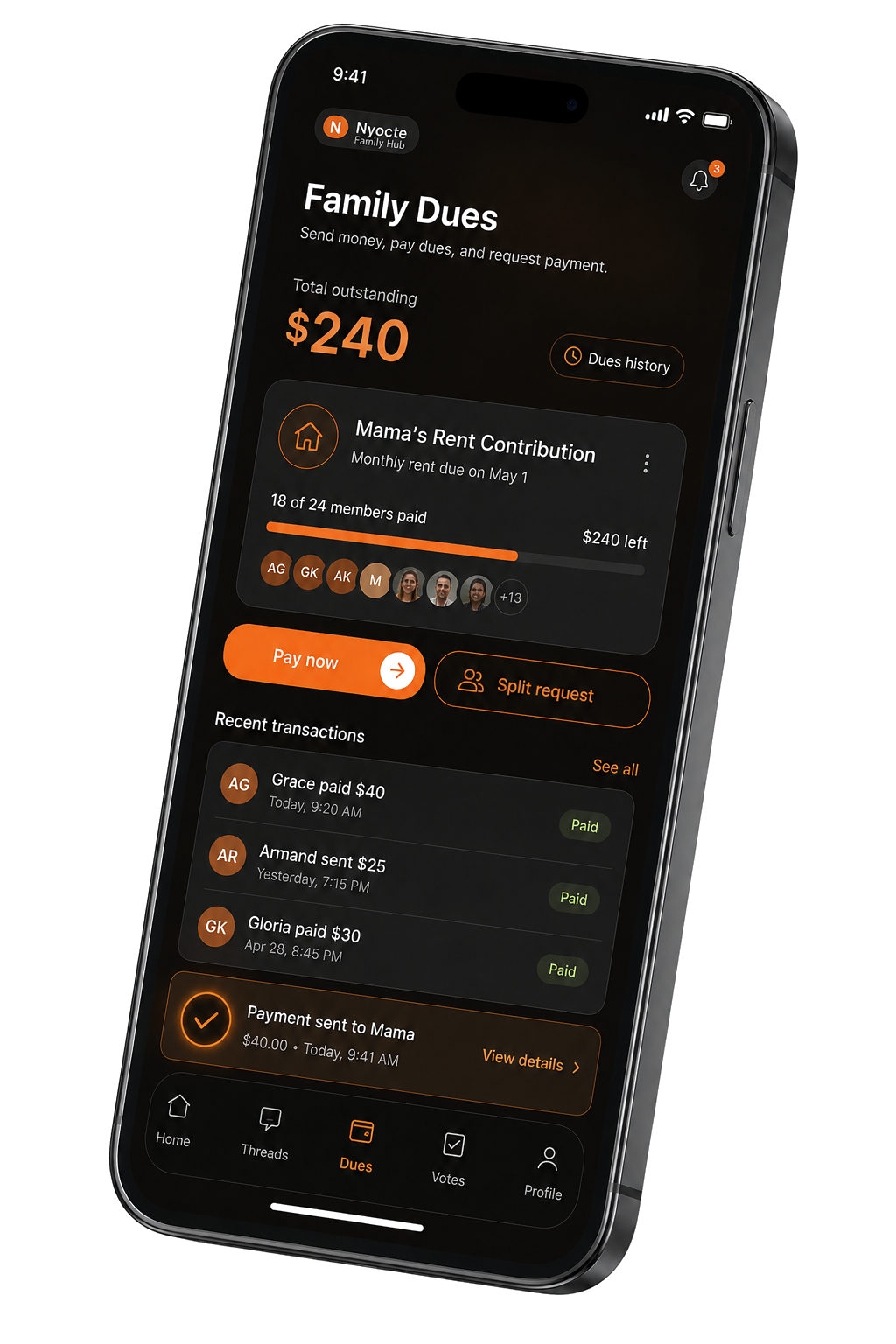
Built for how your circle already works.
Whether you call it a susu, njangi, stokvel, tontine, or a savings club, the pattern is the same: people you trust commit to a cycle, keep a fair record, and meet when something needs deciding.
01
Contribution records members can open
The default member role can view the ledger. Who paid, what is outstanding, and the group’s accounts sit in the group — not on the treasurer’s phone.
02
Rotation so “who’s next” is not an argument
Set a rotation schedule. The group sees whose turn is next and what has already been paid out.
03
Group accounts as a shared record
Keep a main account, a savings pot, or a special-purpose fund. Nyocte is not a bank. It keeps the ledger. Members can still pay in cash, by transfer, or by mobile money, and the treasurer records it.
04
Meet, vote, and file in the same group
Agendas, attendance, minutes, and votes with quorum stay with the circle. Guests can join a meeting in the browser with no account.
Why WhatsApp plus a spreadsheet breaks down.
Nothing is wrong with the chat. It was never built to be the books.
Reminders get muted. Disputes live in screenshots.
Only one person owns the sheet or the bank login.
New members cannot see how the last cycle went.
The payout meeting needs a second app. The vote is a poll. The minutes never get filed.
When the treasurer steps down, trust takes the hit.
Nyocte is for groups that want the record next to the conversation — not another place to chase people.
What Nyocte is (and is not).
| Nyocte does | Nyocte does not |
|---|---|
| Keep contribution records, rotation schedules, and group accounts | Act as a bank or hold deposits |
| Keep that ledger beside chat, meetings, votes, and documents | Replace your bank or mobile-money provider |
| Give members a shared place to follow contributions and decisions | Make members depend on the treasurer for every update |
| Let you export your records anytime | Leave the ledger on one person’s phone |
| Optionally collect contributions through the app where in-app payments are available (provider fee shown before you confirm) | Require in-app payments to record contributions made elsewhere |
A simple week for the treasurer.
One useful cycle beats a perfect migration.
01
Create the group and invite members.
Download Nyocte, start with the Savings or contribution group setup, and share a link into the WhatsApp you already use.
02
Set the record and the rotation.
Everyone sees the same schedule. Members can open the ledger. “Who’s next” is not a chat argument.
03
Hold the next meeting on a link.
When the circle needs to decide something, share a meeting link. Guests join in the browser with a name — no account, no download.
04
Vote, file, and keep the ledger open.
Decisions and contributions sit in the same group for the next treasurer.
Savings circle vs chat-only tools.
| WhatsApp + spreadsheet | Specialist savings apps | Nyocte | |
|---|---|---|---|
| Contribution record members can open | Fragile | Strong focus | Yes — with the rest of the group tools |
| Rotation schedule | Manual | Often yes | Yes |
| Meetings guests join without an install | Separate app | Rarely | Yes — browser guest links |
| Votes, minutes, documents | Scattered | Usually no | Yes |
| Chat and calls in the same place | Chat only | Often weak | Yes |
| Payment options | Recorded separately from the chat | Varies | Record payments made elsewhere; in-app processing fees shown before confirmation |
Who it is for
Who this page is for.
Start with the circle you already run. Call it whatever your community already calls it.
Treasurers tired of chasing contributions in chat
The ledger sits in the group. Members can open it. Export it when you need to.
Chairs who need the meeting and the money in one week
Guest meeting links, votes with quorum, and contribution records in the same group.
Diaspora and hometown circles
Meet across countries. Keep the payout order and the minutes together.
Church, association, and alumni groups that collect dues
Project funds and welfare records beside the meeting that decided them.
Families running a shared goal
A clear record relatives can open. Elders can join a meeting from a phone browser.
Local names
Every tradition has a name.
Njangi, tontine, chama, stokvel, susu, ajo, equb, and more: the same idea, run the way your community runs it.
Before you start
A few useful details.
Can we run a susu / njangi / stokvel on Nyocte?
Yes. Use contribution records, rotation schedules, and group accounts alongside your meetings and chat. Call the circle whatever your community already calls it.
Is Nyocte a bank?
No. Nyocte keeps the ledger so members can see the record. It does not hold funds. Payment processing, where used, is handled by a licensed provider.
Do we have to collect money inside the app?
No. Members can still pay in cash, by transfer, or by mobile money, and the treasurer records it. If your group chooses to collect through Nyocte where payments are available, the provider’s fee is shown before you confirm.
What is free on Nyocte?
Personal chats, calls, and meetings are free. For team or organization requirements, contact [email protected]. In-app payment processing, where available, has separate fees shown before confirmation.
How is this different from a savings-only app?
Savings-only apps optimize the payout cycle. Nyocte keeps that cycle next to the meetings, votes, documents, and chat your circle already needs, so one tool covers the week.
Can people join a meeting without installing Nyocte?
Yes. Guests open a browser link, enter their name, and join. No account, no download. Only the host needs a Nyocte account, created in the mobile app.
Start with the next contribution cycle.
Create the group. Invite your people. Record the next contribution or hold the next meeting — then give them a reason to come back.
Treasurer checklist →WhatsApp alternative for groups →How meetings work →Hosts start on iOS or Android. Guests never need the app.